eSIM vs Pocket WiFi: How to Choose for Your Trip
Compare a travel eSIM with a rented pocket WiFi router on devices, battery, pickup and return, hotspot rules and group travel, then pick by your trip.
Short answer
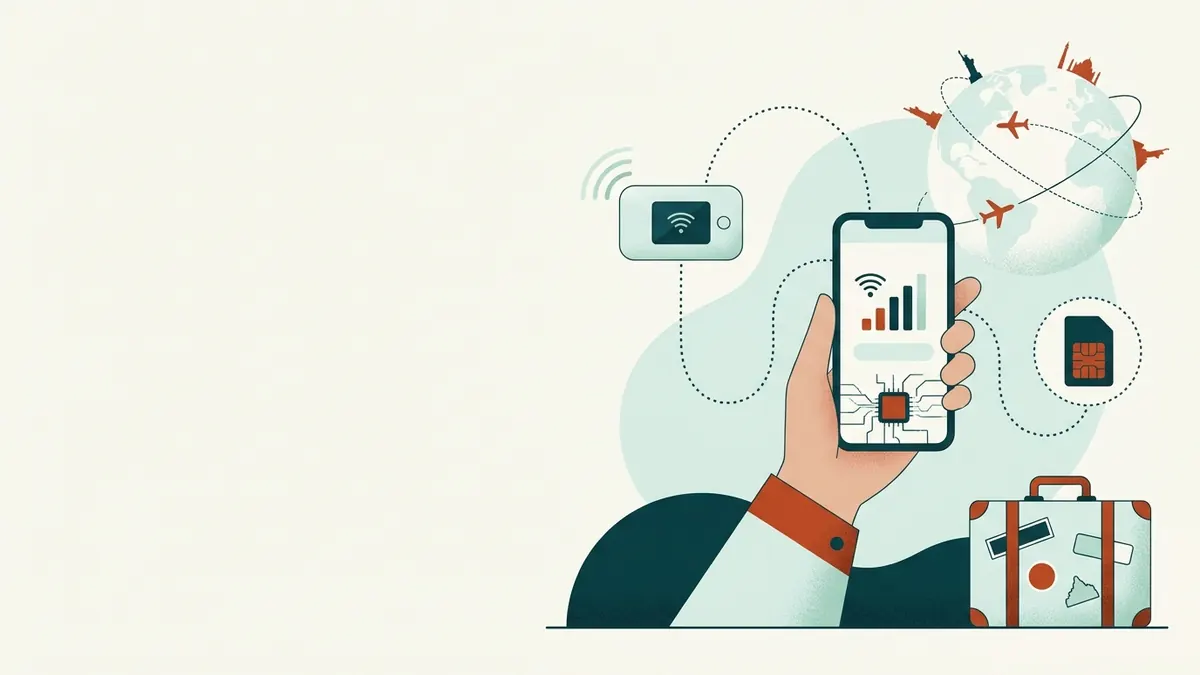
An eSIM puts data on your phone with nothing to carry or return. A pocket WiFi router shares one connection with several devices but needs pickup, charging and return. Decide by group size, devices and how much you want to carry.
Both options give you mobile internet abroad. They solve different problems, and the right one depends on who is traveling and what they carry.
We do not pick a single option. The questions below let you decide from your own situation. We also do not quote speeds or prices for rental routers, because we have no official source for them.
What is the basic difference?
A pocket WiFi is a small router that takes a mobile signal and shares it as WiFi. You rent or buy it, charge it, carry it and, if rented, return it. Your phone connects to it like any other WiFi network.
An eSIM is a SIM profile you download to your phone. Apple's travel page, read 28 Nov 2026, says local carriers and worldwide providers sell prepaid plans that you activate digitally, often before you travel. Your phone gets data directly, and you can share it with other devices through a hotspot if the plan allows.
How do they compare?
| Question | eSIM | Pocket WiFi router |
|---|---|---|
| What do I carry? | Nothing extra | A router, a cable, maybe a charger |
| Does it need charging? | The phone only | The router needs its own charge |
| Does it need pickup and return? | No | Usually, if rented; ask the company |
| Which devices connect? | Your phone; others via hotspot if allowed | Several devices at once, up to the router's limit |
| Does the phone need to be unlocked and eSIM-capable? | Yes | No |
| What happens if I lose it? | You still have the phone | Ask about the rental terms |
| Can groups share? | Hotspot, within plan and phone limits | One router, if the group stays close |
Treat the last two rows as questions, not facts: they vary by company, and the rental terms are the thing to read.
When does an eSIM fit better?
An eSIM fits when you travel alone or as a pair, mostly use a phone, and want nothing extra in your bag. There is no pickup counter, no return deadline and no second battery to forget. If you install the plan before you leave, you can turn it on when you land. See when to install eSIM before travel.
An eSIM needs a compatible phone. Apple's page says your iPhone must be unlocked, and you can check under Settings, General, About for "No SIM Restrictions". The phone checker and the carrier unlock guide cover this.
When does a pocket WiFi fit better?
A router fits when several devices need data at the same time and the group stays together, or when a phone cannot take an eSIM. A tablet, an e-reader or a laptop can connect to one router without using a phone's battery. Check the router's device limit and battery life with the rental company.
The downside is that the router is one more thing to manage. If it runs out of battery, everyone connected loses the signal. If the group splits up, only the person holding the router has the connection.
Can a phone hotspot replace a pocket WiFi?
Sometimes. A hotspot turns your phone into a router, using the eSIM's data. Apple says your carrier must support Personal Hotspot, that additional fees may apply, and that the number of devices depends on the carrier and the iPhone model. Google says up to 10 other devices can join an Android Wi-Fi hotspot and that some carriers limit or charge extra for tethering. Airalo's fair use page says tethering is allowed on its unlimited packages with no limit on devices connected. Other providers differ, so read the plan.
The trade-off is battery. Google advises plugging in the devices while tethering and turning tethering off when you finish, and Apple recommends turning the hotspot off when you do not need it. A phone used as a hotspot will drain faster than a phone used alone. The full guide is eSIM hotspot.
Which one suits which trip?
Use these as prompts, not rules.
- One traveler, phone only: an eSIM is usually the simpler setup.
- Two travelers who stay together: an eSIM each, or one hotspot and one plan; check the tethering rule.
- A family with tablets: a router or a hotspot-friendly plan with a large allowance.
- Work trips with a laptop: either, but read the fair use terms and the device rules; the unlimited data eSIM guide explains daily limits.
- A locked or non-eSIM phone: a router, or your own carrier's roaming option. See eSIM vs roaming.
What about battery and charging?
With an eSIM, the only battery is the phone's. With a router, you add a second battery that must be charged and carried, and if it dies, every device on it loses the connection. With a phone hotspot, the phone's own battery pays for sharing. Google's Android help advises plugging in the devices while you tether and turning tethering off when you finish, and Apple says to turn Personal Hotspot off when you do not need it. Whichever route you choose, plan a charging point and a power bank for long days out.
What about data caps and speed?
Ask. For a router rental, ask whether data is capped or slowed after a daily amount. For an eSIM, read the data amount or the fair use rule on the plan page. Some providers set a daily full-speed threshold and slow data after it; the plan's fair-use page states the numbers. A rental company's rule may differ, and a rule you have not read is a risk.
What should I ask before I book either?
For an eSIM plan: the data amount, validity and when it starts, the network, whether tethering is allowed, and whether the plan is data-only. For a router rental: the pickup and return process, the device limit, the battery life, whether data is capped or slowed, who pays if it is lost or damaged, and what network it uses.
Compare current eSIM plans on a country page such as /thailand/. Each row shows when we checked it.
For a quick first answer on whether an eSIM suits your trip at all, use the eSIM or SIM tool, and browse the guides for the setup steps.
Frequently asked questions
Is an eSIM or pocket WiFi better for a group?
It depends on how the group moves. One router serves several devices, but only while everyone stays near it. Separate eSIMs give each person their own data. A phone hotspot is a middle option if the plan allows tethering.
Can I use my phone as a pocket WiFi with an eSIM?
Often yes. Apple says the carrier must support Personal Hotspot and device limits depend on the carrier and iPhone model, while Google says up to 10 devices can join an Android hotspot and some carriers limit or charge for tethering. Check the plan.
Does pocket WiFi need an unlocked phone?
No, because a router connects your devices by WiFi, not through your phone's SIM. An eSIM needs an eSIM-capable, unlocked phone, as Apple's travel page says. If your phone is locked, a router is an option.
What should I ask a pocket WiFi rental company?
Ask how pickup and return work, the device limit, battery life, whether data is capped or slowed, what happens if it is lost, and which network it uses. Get the answers in writing before you book.
Sources
- How to set up a Personal Hotspot, Apple Support (2026)
- Share a mobile connection by hotspot or tethering on Android, Google Android Help (2026)
- Use eSIM while traveling internationally with your iPhone, Apple Support (2026)
- Unlimited Data Plans - Fair Use Policy, Airalo (2026)
Keep reading

Transfer eSIM From Android to iPhone: Apple Steps
How to move an eSIM from an Android phone to an iPhone.
Transfer eSIM From iPhone to Android: What to Know
Move an eSIM from iPhone to Android with a supported carrier.

Transfer eSIM From One iPhone to Another: Steps
How to move an eSIM from one iPhone to another.

Best eSIM for International Travel: What to Compare
No single eSIM suits every route.

Best eSIM: How to Pick One for Your Own Trip
The best eSIM depends on your route, phone and habits.
Transfer eSIM to a New Android Phone: Methods
Move an eSIM to a new Android phone with Google's Transfer SIM or Samsung's Instant Transfer.