Pocket Wi-Fi vs eSIM in Japan: Which Fits Your Trip?
Pocket Wi-Fi gives one hotspot for a group; an eSIM puts data on your phone. Japan's tourism board lists both. How to choose by trip type.
Short answer
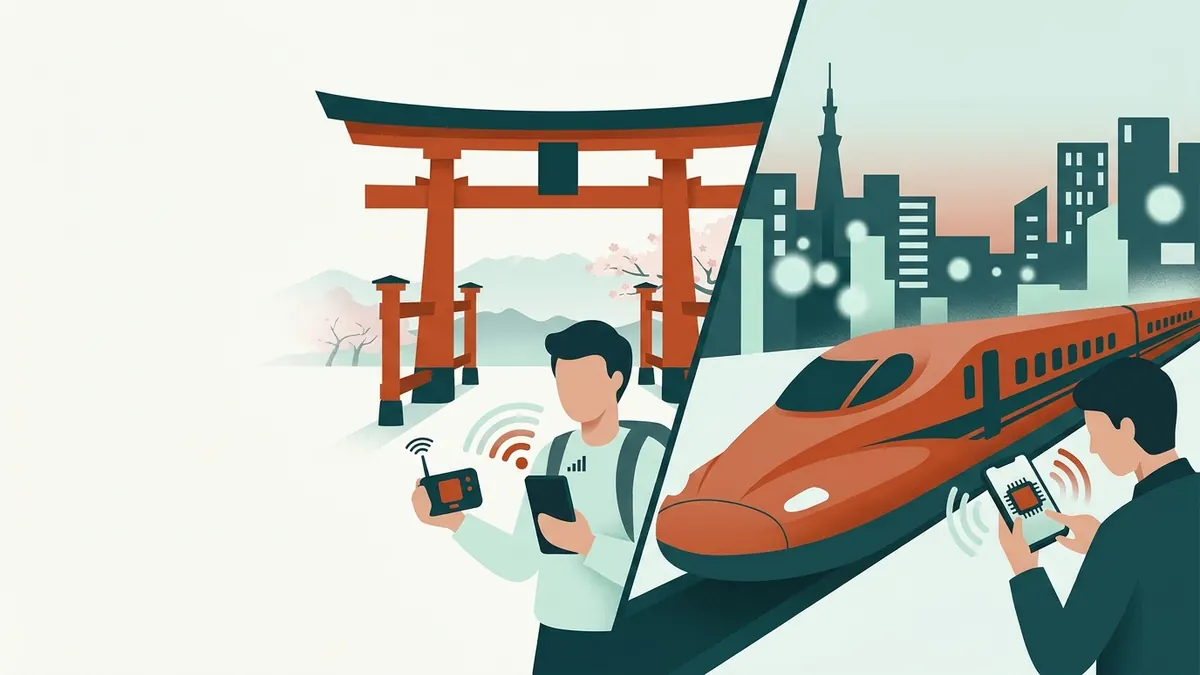
Pocket Wi-Fi shares one connection across several devices, while an eSIM puts data straight on your own phone. Japan's tourism board says both suit short stays. Choose by group size, phone support and how much you want to carry and return.
Pocket Wi-Fi was the default for Japan visitors before eSIM existed. Today both are on the Japan National Tourism Organization's list of ways to connect. This guide compares them by trip type, with facts from official pages read on 28 Nov 2026.
What does the tourism board say?
JNTO's FAQ lists two common routes: buy or rent a SIM card, eSIM or pocket Wi-Fi at the airport, or reserve one online and pick it up there. It adds that eSIMs and pocket Wi-Fi are especially convenient for short-term visitors. It does not rank them.
How do the two work?
A pocket Wi-Fi is a small hotspot you carry. Your phone connects to it over Wi-Fi. An eSIM is a line inside your phone, so there is no separate device.
| Question | Pocket Wi-Fi | eSIM |
|---|---|---|
| Extra device to carry | Yes | No |
| Battery to manage | Phone and the device | Phone only |
| Several devices | Yes, through one hotspot | Via tethering, if the plan allows |
| Phone must support eSIM | No | Yes |
| Return at end of trip | Yes | No |
| Collect at airport | Yes, or by reservation | No, installed from a QR code |
Where can I rent pocket Wi-Fi at the airport?
JNTO says Haneda Terminal 3 has dedicated arrival counters that sell prepaid SIMs and rent pocket Wi-Fi, generally open from about 6:00 a.m. to 10:00 p.m. Narita has counters in the arrival areas of all terminals, generally open about 7:00 a.m. to 9:00 p.m., on a page last updated in September 2022. JNTO's telephone page also lists rental phone services at Narita, Haneda and Kansai airports, with named providers.
When does pocket Wi-Fi fit?
- A family or group wants one shared connection.
- Some phones in the group do not support eSIM.
- You want to connect a tablet or laptop without tethering.
- You are happy to pick up and return a device.
When does an eSIM fit?
- You travel alone or as a pair with eSIM-capable phones.
- You want data active as soon as you land.
- You do not want to carry or return anything.
- You can install over Wi-Fi at home.
Your phone must support eSIM, and your iPhone must be an XS, XS Max, XR or later, according to Apple. Use the phone checker and read eSIM vs pocket Wi-Fi.
What about tethering?
An eSIM plan may or may not allow sharing data with other devices. Check the plan page for tethering. If you need a group to share, either pick a plan that allows it, or choose pocket Wi-Fi. See eSIM hotspot.
Which suits families, couples and solo travellers?
Families. Several phones, children's tablets and a parent's laptop often need data at once. A pocket Wi-Fi can serve them all from one device, if the rental allows the number of connections you need, so read the terms. An eSIM on each adult's phone, plus tethering where the plan allows it, is an alternative.
Couples. Two eSIM-capable phones are often simplest with an eSIM each, or one eSIM shared by tethering. Compare that against the effort of carrying one hotspot.
Solo travellers. An eSIM tends to match, since there is nothing to carry. A solo traveller with a phone that does not support eSIM would look at a physical SIM or pocket Wi-Fi.
These are patterns, not rules. Your own phones decide.
What are the risks of each?
Pocket Wi-Fi: a battery that dies, a device that gets left behind, a return deadline. eSIM: a phone that cannot use it, a QR code that fails, a plan that starts counting too early. Apple says that if you erase an eSIM you must contact your carrier for a new one, so do not delete a plan while troubleshooting.
How do I compare eSIM plans?
Compare validity, data, tethering, network and number. The table shows plans with the date each price was checked.
| Provider | Plan | Data | Days | Network | Price | Checked |
|---|---|---|---|---|---|---|
| Airalo | Japan 5 GB 30 days | 5 GB | 30 | 11 USD | 2026-11-28 | |
| Airalo | Japan Unlimited 7 days | Unlimited | 7 | 26.5 USD | 2026-11-28 | |
| Maya | Japan Unlimited 30 days | Unlimited | 30 | 49.99 USD | 2026-11-28 | |
| Maya | Japan Unlimited 7 days | Unlimited | 7 | 19.99 USD | 2026-11-28 | |
| Nomad | Japan 5 GB 30 days | 5 GB | 30 | 10 USD | 2026-11-28 | |
| Nomad | Japan Unlimited 7 days | Unlimited | 7 | 32.5 USD | 2026-11-28 | |
| Ubigi | Japan 10 GB 30 days | 10 GB | 30 | KDDI, NTT Docomo, Softbank | 16.5 USD | 2026-11-28 |
| Yesim | Japan 5 GB 30 days | 5 GB | 30 | 9.68 USD (promotional price) | 2026-11-28 | |
| Yesim | Japan Unlimited 7 days | Unlimited | 7 | 26.95 USD | 2026-11-28 |
Prices change. Each row shows the price as the provider page displayed it on the date we checked, with a link to that page. Your checkout currency may differ.
How should I decide quickly?
Count the devices that need data. Check whether each phone supports eSIM. Decide whether you mind carrying and returning a device. If the answers favour an eSIM, read eSIM for Japan travel. If a group is sharing, consider pocket Wi-Fi and see the airport guide. The Japan pillar shows all the options. The eSIM or SIM tool can also help.
What if I want both?
Some travellers carry a pocket Wi-Fi for the group and keep an eSIM as a backup on one phone. That doubles the cost and the setup, so most do not. A more common compromise is an eSIM for each adult and free Wi-Fi at hotels, since the Japan National Tourism Organization promotes a free auto-connect app for public hotspots. Decide based on what you will actually use, not on what could go wrong.
Where do I go next?
Read eSIM Japan for the overview, Japan SIM cards at airports for counters, and the global comparison eSIM vs pocket Wi-Fi.
What should I ask at the pocket Wi-Fi counter?
How many devices can connect at once? How many days is the rental, and what is the return deadline and place? What happens if the device is lost or damaged? Does the rental include a battery pack? Is data capped per day, and what is the speed after the cap? Rental terms are set by each company, so a short conversation at pickup saves trouble. JNTO lists several rental providers by name on its telephone page, for phones as well as devices.
Links go to the provider's own site. One example provider is below.
This example is taken from our price table. It is not a recommendation.
Frequently asked questions
Is pocket Wi-Fi or eSIM better in Japan?
Neither is better for everyone. Pocket Wi-Fi suits groups sharing one connection and phones without eSIM. An eSIM suits solo travellers who want no device to carry. Decide by group size, phone support and trip length.
Where can I rent a pocket Wi-Fi in Japan?
JNTO says counters at Haneda Terminal 3 and Narita rent pocket Wi-Fi devices, generally open about 6:00 to 22:00 at Haneda and 7:00 to 21:00 at Narita. You can also reserve online and pick up at the airport.
Does an eSIM work on every phone?
No. The phone must support eSIM and be unlocked. Apple says iPhone XS and later support it, and your carrier must support eSIM. If your phone does not, a physical SIM or pocket Wi-Fi is the alternative.
What do I do with pocket Wi-Fi at the end of the trip?
You return it, as a rental. Return arrangements depend on the rental company, so read the terms at pickup. This is one reason some solo travellers prefer eSIM, which needs nothing returned.
Sources
- Japan National Tourism Organization: FAQ, Japan National Tourism Organization (2026)
- Japan National Tourism Organization: Haneda Airport Airport Access, Japan National Tourism Organization (2026)
- Japan National Tourism Organization: Narita Airport, Japan National Tourism Organization (2026)
- Japan National Tourism Organization: Telephone Calls, Japan National Tourism Organization (2026)
- Apple Support: Set up eSIM on iPhone, Apple (2026)
Keep reading

Japan eSIM Unlimited Data: How to Read the Terms
Unlimited data plans for Japan can still slow down at busy times.

Japan Prepaid Travel eSIM: How Visitor Plans Work
Prepaid visitor eSIMs in Japan are usually data-only and bought before you travel.

Japan SIM Card at the Airport: Haneda, Narita and More
How to get a SIM or eSIM at Japanese airports.

Best eSIM for Japan: What to Compare Before You Choose
Compare Japan eSIMs by validity, data, tethering, network, phone number and checked price.

Best eSIM for Japan and Korea: One Plan or Two?
Whether one eSIM or two local plans suits a Japan and Korea trip.

eSIM Card Japan: What a Japan eSIM Card Really Is
An eSIM card for Japan is a QR code or a card that unlocks a plan on the eSIM in your phone.