eSIM Scams: How to Spot Fake Offers and Unsafe QR Codes
Watch for fake QR codes, unexpected texts and payment demands. Use the FTC's red flags and buy your travel eSIM only from a seller you checked yourself.
Short answer
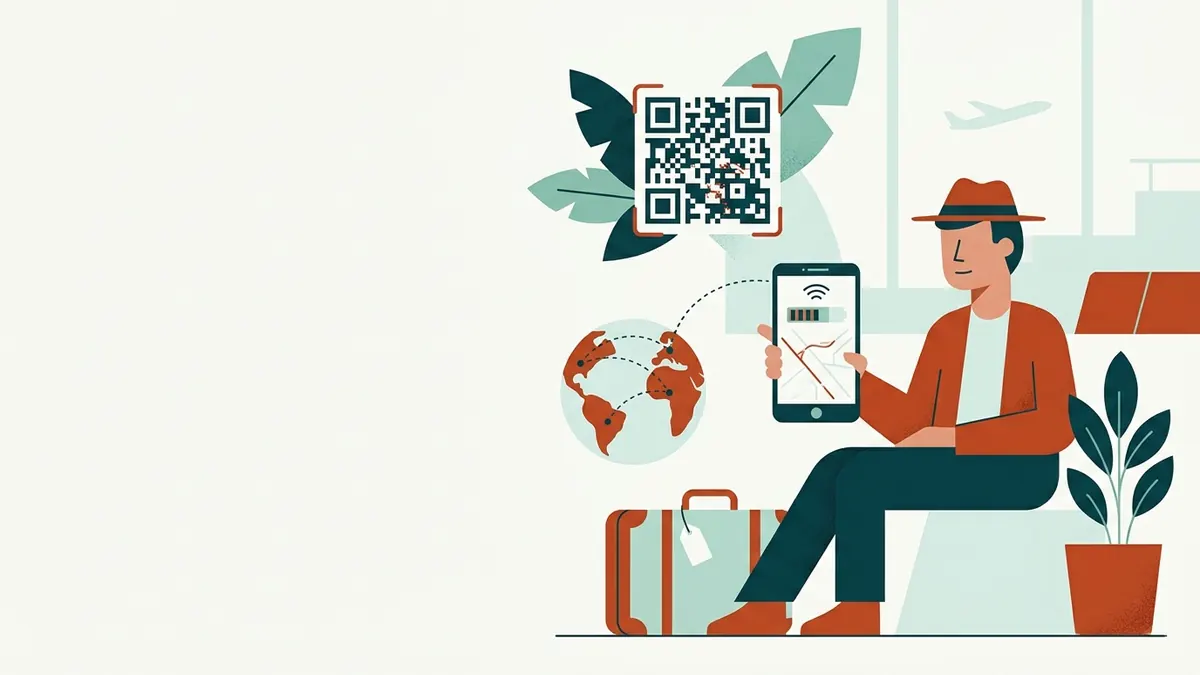
Buy an eSIM only from a seller you reached yourself, never through a link or QR code you did not ask for. The FTC's red flags apply: pressure to decide, unusual payment methods, unexpected texts, and QR codes stuck over real ones.
An eSIM arrives as a QR code, a link or an app screen. That is also how scammers deliver trouble, so the habits that protect you are simple: choose the seller yourself, and treat anything unexpected as unverified.
This page does not list "known fake eSIM brands". We have no reliable list, and we do not name sellers as scams. It applies the FTC's published advice to the way an eSIM is bought and installed.
How does a normal eSIM purchase work?
Knowing the normal flow makes the odd one stand out. Apple's eSIM setup page, read 28 Nov 2026, says a carrier can assign an eSIM at purchase or send one digitally, and lists these activation routes: a carrier notification, a QR code, a carrier link, a carrier app, or entering details manually. On iOS 17.4 and later, a code or link received in email or a browser can be used to add the eSIM.
Each route starts from something you asked for. You chose a seller, paid, and the seller sent the code or opened the app. The risk comes when the code or link arrives without that first step, or when you start from a link someone sent you.
What are the red flags?
The FTC's phone scams page gives a general list that fits eSIM offers well:
- Pressure to decide immediately. The FTC says honest businesses give you time to review offers in writing.
- Payment by wire transfer, gift cards, cryptocurrency or payment apps. The FTC says "Anyone who insists that you can only pay that way is a scammer."
- A prize or free offer that needs a payment to claim.
- Impersonation of a business you recognise, with a caller ID or sender name that can be spoofed.
Add the specifics of an eSIM purchase: a seller that asks for your phone's passcode, your Apple Account or Google password, or a code sent to your phone. A real eSIM purchase does not need those.
Are QR codes safe?
The code itself is only a link. What matters is where it came from and where it leads.
The FTC's September 2026 alert says scammers place their own QR codes over legitimate ones, and a scanned bad code can lead to a fake site that steals money, personal information, or both. Its advice, read on 28 Nov 2026:
- Check the link before you open it. QR readers often preview the destination, so look for spelling mistakes or switched letters.
- Keep your phone's operating system and apps up to date.
- Use strong passwords and multi-factor authentication.
Apply this to eSIMs:
- Get the QR code from your own account on the seller's site or app, not from a message.
- If a code arrives by email or text that you did not request, do not scan it.
- If a printed code at a kiosk or shop looks stuck on top of another, ask the staff to confirm.
The eSIM QR code guide explains what a real code does when you scan it.
What about unexpected texts and calls?
The FTC's text scam alert says common lures include fake fraud alerts from banks, delivery or toll notices, job offers and wrong-number messages. Its advice: do not reply, even to say "stop"; do not click links; verify the sender using a phone number or website you already know is real; delete the message and report it, or forward it to 7726 (SPAM).
That applies to a message that says your eSIM has expired, needs "re-activation", or has a limited-time deal. Open the provider's app yourself and check the status there.
The FTC's phone scam page also tells you to hang up on robocalls, not to trust caller ID, and not to pay someone to recover money you have already lost.
How do I check a seller before I pay?
Use this checklist:
| Check | Why |
|---|---|
| You typed the address or used an app you chose | A sent link may lead to a copy |
| Checkout is on the seller's own page and uses ordinary card payment | Unusual payment methods are a red flag |
| Terms, refund and support pages exist and are readable | A real seller states them |
| The plan page says what it includes: network, validity, whether data-only | Missing details are a reason to pause |
| Support can be reached in the app or on the site | You need it if the install fails |
Providers publish their own help pages, for example on refunds. A seller with no such page is harder to hold to a promise. Our eSIM refund guide shows what to look for.
What if I think I was scammed?
The FTC says to act quickly if you paid a scammer: contact your card issuer, bank or payment app to ask for a reversal, change passwords you shared, and report the loss at ReportFraud.ftc.gov. From the QR code alert: do not engage with the scammer, change the passwords you entered and any that match, and review your card and bank statements for charges you do not recognise.
For an eSIM already installed from a bad source, do not delete other plans in a hurry. Apple says erasing an eSIM does not cancel service, so contact your real carrier if your own line seems affected.
How do I avoid problems on the trip itself?
Keep a short routine: buy from a seller you checked, install on a trusted network, and keep your home number safe for bank codes. The trip checklist includes these steps, and eSIM with phone number explains how to keep your home line in use. For the general setup, see how to activate an eSIM on iPhone.
Frequently asked questions
Is it safe to scan an eSIM QR code?
It is safe when the code comes from the seller you chose, in their app or your account. The FTC warns about QR codes placed over real ones and sent in unexpected texts or emails. Check the link preview for spelling errors before you open it.
What payment methods are a red flag?
The FTC says scammers often demand wire transfers, gift cards, cryptocurrency or payment apps, and that anyone who insists you can only pay that way is a scammer. A normal eSIM seller takes ordinary card or checkout payments.
Should I answer a text about my eSIM or SIM that I did not expect?
No. The FTC advises not replying or clicking links in unexpected texts, contacting the company through a number or site you already know, and forwarding spam to 7726. Open your provider's app yourself instead.
What can I do if I already scanned a bad code?
The FTC says to avoid engaging, change passwords you entered and any that match, check card and bank statements, and report it at ReportFraud.ftc.gov. Contact your bank if you paid through a suspicious page.
Sources
- Phone Scams, U.S. Federal Trade Commission (2026)
- See a QR code parked somewhere? Don't scan it...yet!, U.S. Federal Trade Commission (2026)
- Is that unexpected text a scam?, U.S. Federal Trade Commission (2025)
- Set up eSIM on iPhone, Apple Support (2026)
Keep reading
eSIM vs Pocket WiFi: How to Choose for Your Trip
How to choose between an eSIM and a pocket WiFi for your trip.

eSIM vs Roaming: Which Works Better for Your Trip?
How eSIM and home-network roaming compare for a trip abroad.
eSIM With Phone Number: When a Travel eSIM Includes One
Most travel eSIMs are data-only.

Best eSIM: How to Pick One for Your Own Trip
The best eSIM depends on your route, phone and habits.

Best eSIM for International Travel: What to Compare
No single eSIM suits every route.

Free eSIM Trial: What It Means and What to Check
A free eSIM trial may be a small data allowance or a short test period.