eSIM South Korea: Compatibility, Setup and Arrival Steps
Set up an eSIM for South Korea: check phone support, install over Wi-Fi, and find Incheon's roaming centers if you need a backup. Sourced from KTO.
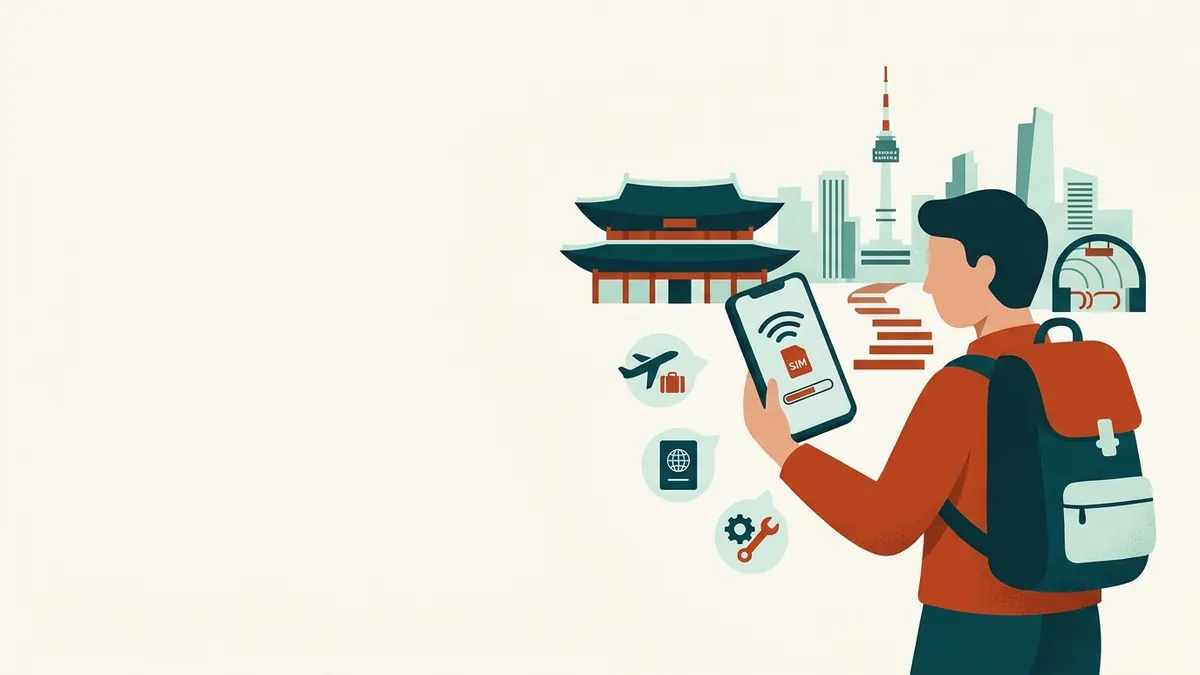
Short answer
Check that your phone supports eSIM and is unlocked, buy online, then scan the QR code over Wi-Fi. Switch the line on after landing in South Korea. Incheon's roaming centers are a fallback if the setup fails on arrival day.
An eSIM is the quietest way to arrive in South Korea with data. This guide covers phone checks, installation, what to do on landing, and what to do if it fails, using KTO, Incheon airport and Apple support pages read on 28 Nov 2026. For the wider picture, start at Korea eSIM.
Does my phone support eSIM?
Check before you buy. Apple says an iPhone must be an XS, XS Max, XR or later, and that your carrier or service provider must support eSIM. For Android, look for an eSIM or Add eSIM option in the SIM settings, or check the maker's page for your model. KTO also tells visitors to check eSIM compatibility before completing a purchase.
The phone should be unlocked as well. Read is my phone carrier unlocked for eSIM and use the phone checker.
How do I install it?
KTO describes the process: buy online, scan the QR code provided. Apple lists the ways to add an eSIM on iPhone: QR code, carrier link, carrier app and manual entry.
- Connect to Wi-Fi.
- Open Settings, Cellular or Mobile Data, then Add eSIM or Add Cellular Plan.
- Scan the QR code, or use the link or the manual details.
- Label the line, for example Korea.
- Leave it off until you land if the plan starts counting at first use.
Android steps vary by maker. See how to activate eSIM on Android.
What do I do after landing?
- Turn off airplane mode.
- Turn on the Korea eSIM line.
- Select it for mobile data.
- Enable data roaming for that line only.
- Turn off data on the home SIM if you keep it for calls.
Test a map. If it does not connect, restart the phone and read eSIM not working abroad.
What if setup fails?
Incheon's airport page lists roaming centers for kt, LG U+ and SK Telecom. They are near Arrival Hall A on the first floor of Terminal 1, with 24-hour locations near Arrival Hall F, and locations in Terminal 2. KTO says roaming centers at Incheon, Gimpo, Gimhae and Jeju sell SIMs, rent Wi-Fi eggs and rent smartphones, after a simple registration process. Hours for the non-24-hour centers were not on the airport page, so confirm them.
KTO also says CU, GS25, 7-Eleven and Emart24 sell physical USIM cards, with stock varying by branch.
What if I delete the eSIM by mistake?
Apple says that if you erase an eSIM, you will need to contact your carrier to get a new one. Do not delete it while troubleshooting unless support tells you. Read how to delete eSIM from iPhone for when it is right.
Do I get a phone number?
The pages we read do not say which products include a Korean number. Many visitor eSIMs are data-only. If you need a number, find a plan that states one. See Korea eSIM with phone number.
How do I compare plans?
The table shows Korea eSIM plans, each with the date its price was checked.
| Provider | Plan | Data | Days | Network | Price | Checked |
|---|---|---|---|---|---|---|
| Airalo | South Korea 5 GB 30 days | 5 GB | 30 | SK | 11 USD | 2026-11-28 |
| Airalo | South Korea Unlimited 7 days | Unlimited | 7 | SK | 27 USD | 2026-11-28 |
| Maya | South Korea Unlimited 30 days | Unlimited | 30 | 49.99 USD | 2026-11-28 | |
| Maya | South Korea Unlimited 7 days | Unlimited | 7 | 19.99 USD | 2026-11-28 | |
| Nomad | South Korea 5 GB 30 days | 5 GB | 30 | 10 USD | 2026-11-28 | |
| Nomad | South Korea Unlimited 7 days | Unlimited | 7 | 25 USD | 2026-11-28 | |
| Ubigi | South Korea 10 GB 30 days | 10 GB | 30 | LGU+, SK Telecom | 14 USD | 2026-11-28 |
| Ubigi | South Korea Unlimited 7 days | Unlimited | 7 | LGU+, SK Telecom | 25 USD | 2026-11-28 |
| Yesim | South Korea 10 GB 30 days | 10 GB | 30 | 17.6 USD (promotional price) | 2026-11-28 | |
| Yesim | South Korea Unlimited 7 days | Unlimited | 7 | 26.95 USD | 2026-11-28 |
Prices change. Each row shows the price as the provider page displayed it on the date we checked, with a link to that page. Your checkout currency may differ.
Where do I go next?
Read best eSIM for Korea for criteria, eSIM Korea travel for a trip view, and eSIM or SIM tool if you are unsure. Our Korea hub lists everything.
How is an eSIM different from a USIM in Korea?
KTO uses the word USIM for the physical card that goes in your phone, and eSIM for the digital version built into the device. A USIM is sold at airport roaming centers, selected convenience stores and retailers, or online with airport pickup. An eSIM is bought online and set up by QR code. Both give mobile data, and the choice follows your phone, not a quality difference.
What about hotspot and sharing?
Some plans allow you to share data with other devices, some limit it. We do not assume a rule. Check the plan page. If a group needs to share, a Wi-Fi egg from a roaming center is another option KTO lists. Read eSIM hotspot for the general rules.
How do I label and manage the line?
Name the line Korea, so it is easy to find in settings. If you keep your home SIM on for calls, set the Korea line as the default for mobile data and turn off data roaming on the home line. Apple's dual SIM settings let you choose which line carries mobile data. If you run two eSIMs, only some phones allow both to be on at once, so check your model before you rely on it.
What do I do on the last day?
Check the plan's end date. If you are leaving and will not come back, you can leave the eSIM installed until it expires, or remove it once you are sure. Apple says erasing means contacting your carrier for a new one, so remove it only when you are done. Turn your home SIM's data back on before you land at home, if you turned it off.
What if I am visiting both Korea and another country?
Check whether your plan covers both, or whether you will need a second plan. A plan labelled for South Korea may not work elsewhere. If you also travel to Japan, read best eSIM for Japan and Korea. For plans that span many countries, read eSIM for multiple countries. Keep each plan's QR code until the trip ends.
Links go to the provider's own site. One example provider is below.
This example is taken from our price table. It is not a recommendation.
Frequently asked questions
How do I get an eSIM for South Korea?
The Korea Tourism Organization says to buy the eSIM online and scan the QR code to set it up, after checking your phone is compatible. Install over Wi-Fi, ideally before you fly if the plan allows.
Which phones support eSIM for Korea?
Apple says iPhone XS, XS Max, XR and later support eSIM, and your carrier or service provider must too. Many recent Android phones support it, but check your model. The phone must also be carrier-unlocked.
What if my eSIM does not work at Incheon airport?
Incheon's page lists kt, LG U+ and SK Telecom roaming centers, including 24-hour locations in Terminal 1 near Arrival Hall F. KTO says roaming centers sell SIMs and rent Wi-Fi eggs and smartphones.
Can I install an eSIM without Wi-Fi?
You need a data connection to download the profile. Apple says to connect to Wi-Fi or a hotspot during setup. Install at home, in your hotel or on airport Wi-Fi, not on a roaming connection you have not paid for.
Sources
- Korea Tourism Organization: Electricity and Communications, Korea Tourism Organization (2026)
- Incheon International Airport: Roaming centers, Incheon International Airport Corporation (2026)
- Apple Support: Set up eSIM on iPhone, Apple (2026)
- Apple Support: How to erase an eSIM on your iPhone or iPad, Apple (2026)
Keep reading
eSIM Korea Travel: A Trip Checklist for Visitors
A trip checklist for getting mobile data in South Korea.
Korea eSIM With Phone Number: What to Check Before Buying
Most visitor eSIMs for Korea are data-only.

Best eSIM for Korea: What to Compare Before You Choose
How to compare South Korea eSIMs on data, tethering and number.
Asia eSIM: How to Choose a Regional Plan for Your Route
An Asia eSIM covers a stated list of countries, and lists differ by plan and change.

Best eSIM for International Travel: What to Compare
No single eSIM suits every route.

Best eSIM: How to Pick One for Your Own Trip
The best eSIM depends on your route, phone and habits.